
The warehouse is shipping again, but finance is still untangling duplicate invoices. In this hypothetical ERP incident, a connector timed out after the ERP had already created an invoice. Someone retried the job. The retry created a second invoice because the connector had no reliable way to tell that the first attempt had succeeded.
If the incident review ends with “be more careful when retrying,” the next person inherits the same screen and the same uncertainty.
Start with what the person could see
Imagine the first exchange in the review.
“What did the screen show when you decided to retry?”
“It said the request timed out. I had no invoice number and no way to search by the shipment reference.”
“When did we first learn that a second invoice existed?”
The first answer explains why retrying looked reasonable. The next question opens a separate question about detection. Finance found the duplicate while reconciling records. The alert only covered failed connector jobs, so once the retry reported success, the monitoring screen looked healthy.
Google’s Site Reliability Engineering team calls this a blameless postmortem. The review reconstructs what happened, captures the impact and response, and assigns changes that can reduce the likelihood or impact of a repeat. Google’s workbook also asks leaders to make time for the work and track the actions that follow. A shared document does little for the next person on call if every repair keeps slipping behind feature work. Google SRE Workbook, Postmortem Culture
Turn operating values into actions people can see
Raise uncertainty early. Give the on-call engineer a way to mark the request as “outcome unknown” and ask finance to check before retrying. In the review, thank the first person who points out the uncertainty, then ask what the system could have shown them.
Check the customer impact. Confirm which invoices were affected and give finance a reconciliation list. The connector recovering and the customer’s account being correct are separate checks.
Follow the repair through to a test. Assign an owner and a due date. In this example, the integration lead adds duplicate protection based on a stable reference. QA simulates a timeout after the invoice is committed, retries, and verifies that the ERP still contains one invoice. Finance checks the reconciliation output. The backlog item can link to those results.
Take 30 minutes with a recent incident
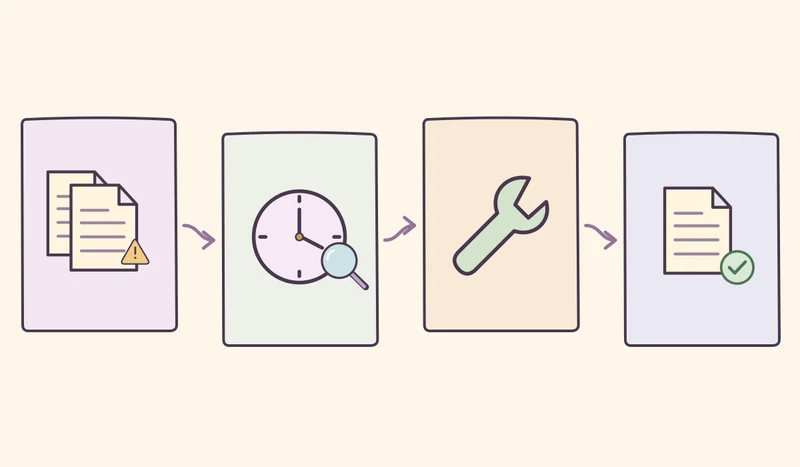
Put the impact, timeline, and open questions on a single page. Ask someone who handled the incident to describe what they knew at the time. Mark the places where different tools showed conflicting information. Pick one change that makes the safer action easier and name the person who can get it done. Agree on what evidence will close it.
Over the next month, track how many corrective actions due that month passed their agreed checks, out of all actions due. Look separately for incidents with the same failure mechanism. One month may bring few comparable incidents, so use that count alongside the test evidence. When a new incident comes in, ask whether the last change held up under real conditions.