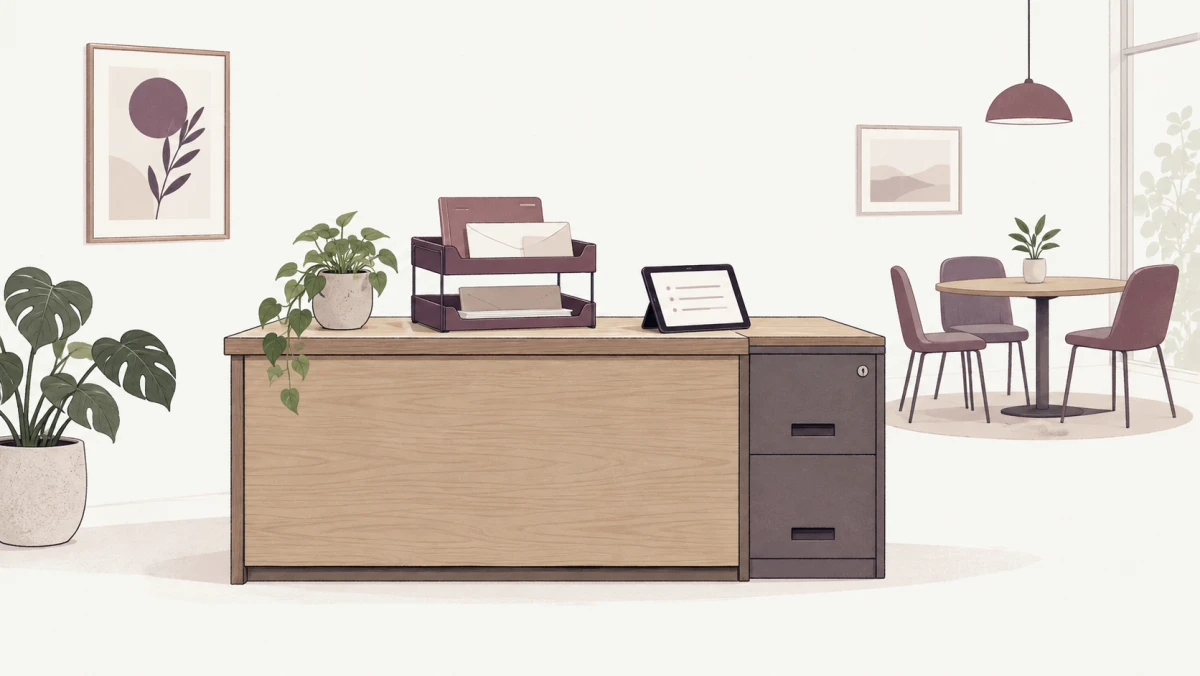

The team can work from home, but one morning a customer mails an original contract to the company. Who receives the envelope, opens it, sends it to the authorized signer, and gets it back out if a response is due that day?
An organization that moves from daily office attendance to WFH may still need a place to receive documents, store originals, or meet occasionally. The size and type of space should follow the work that still needs a physical location, including who is responsible for it. There may be no reason to keep everyone's old assigned desk.
In "From Daily Office Work to WFH 100%" I looked at agreements and work arrangements for a remote team. The next question is what the remaining office is for, and whether we are reducing the organization's burden or shifting it onto one person.
Before choosing a space, say who is fully remote
If sales, development, and customer support work entirely remotely but an administrator regularly comes in to receive documents and look after the office, WFH 100% describes the remote teams, not every employee in the organization.
On-site administrative work is real work. It involves travel, care of property, and responsibility for documents that others may never see. I would agree on duties, hours, backup coverage, and expenses, rather than assuming the nearest person can always go in.
If everyone must attend a monthly office meeting, that is a recurring attendance requirement. Explain it when hiring and agreeing on the work model. “Mostly remote with scheduled in-person days” gives people a more accurate picture of what they will be asked to do.
Find the physical work before deciding to keep an office
I would trace the goods and documents still moving through the organization: mail, documents from customers, contracts to return, printing and signing, and files to retain. How often do they arrive? How urgent are they? At which step does the process now need a physical place?
Next, ask whether an original is truly required, who sets that condition, and how far the work can move to electronic form. Some constraints come from a counterparty, some from a receiving organization's process, and some paper persists simply because no one has changed the old method.
Thailand's Electronic Transactions Development Agency (ETDA) explains that electronic signatures take different forms. Identifying the signer, showing intent, and using a suitable method all need consideration under the applicable conditions. I would review each document type and confirm the approach with the counterparty or receiving authority before changing it. Pasting an image of a signature does not make it a substitute for every original.
If a paper signature is still needed, define how the document reaches the signer and returns, or group documents on a schedule that does not miss deadlines. Keeping a printer does not solve the problem if no authorized signer is available or no one knows where the paper is.
ETDA on electronic signatures and the elements to consider
The remaining space may be a document point, not a full office
Once the work that needs a location is clear, choose only the space that fits it. This table compares options; it is not a sequence every organization must follow.
| Option | May fit when | Check |
|---|---|---|
| No permanent space, but an address and document recipient are arranged | Most work is digital, with few physical documents that can be forwarded | Right to use the address, receiving hours, storage of originals, and urgent handling |
| Serviced office | Some space or administrative service is needed without running all of it in-house | Services actually included, access rights, document confidentiality, and extra charges |
| Coworking space and meeting rooms booked as needed | People need a place to meet or work on occasional days | Not every provider receives mail or stores documents; check those services separately from rooms |
| A small administrative site operated by the organization | Documents and physical goods arrive often, requiring a caretaker and controlled storage | The on-site worker's load, backup coverage, security, and total cost |
A virtual office or mailing address may help with correspondence, but check the right to use that address, the property owner's consent, how documents are received and forwarded, and the rules for the activity using it. Do not assume one package works equally for registration, document receipt, and every other purpose.
For me, the useful questions are: What work must actually happen in this space? If the space is unavailable one day, who takes over? The answers may point to a small administrative room instead of a headquarters, or to document-receiving service plus a meeting room hired only when needed.
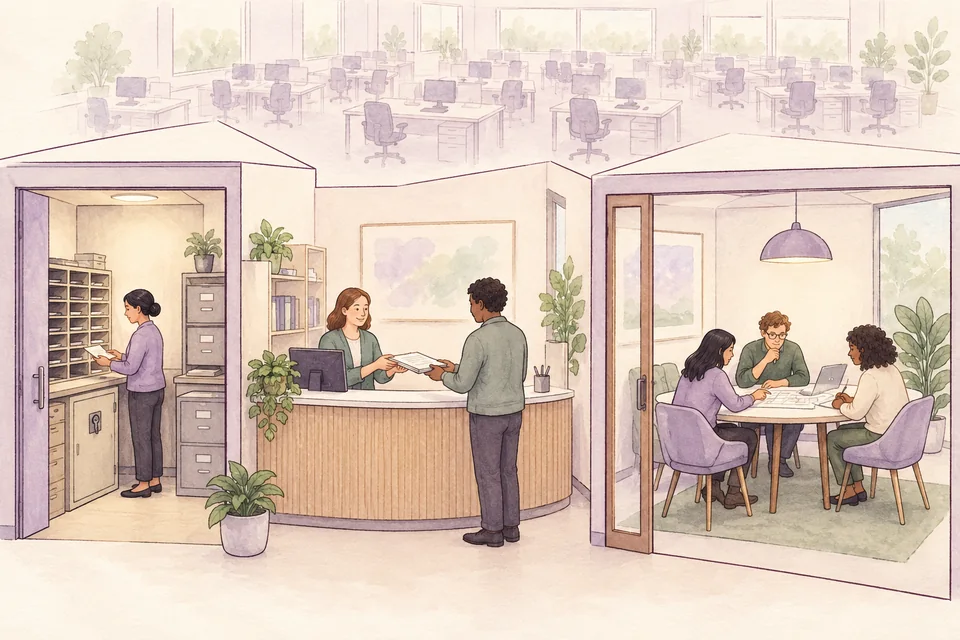
From receipt to return, track the status and owner
Suppose a customer sends one contract envelope. The recipient should record its arrival date, sender, case owner, and deadline, with a tracking number or reference code that can be found later. If the sealed envelope is addressed to a particular person, it needs a route that prevents unauthorized people from reading it.
Then notify the case owner within an agreed period, such as during defined working hours. Urgent items need another route. Choose intake and forwarding times according to risk and staffing, rather than imposing one number on every kind of document.
If the document is scanned, check that every page is present and readable and that the file is linked to the right case. Keep it in a system with role-based access and record where the original sits. If a file is borrowed or moved, record who took it and when it was returned. A scan can keep the team working, but it is not a reason to discard the original immediately.
After printing, signing, or returning the document, retain evidence of dispatch and whether the recipient received it. Agree on retention and destruction by document type and applicable requirements. Do not leave files in a cabinet forever simply because no one is willing to decide.
This process needs a primary owner and backup when that person is on leave or unavailable. It also needs a way to report a lost envelope, wrong recipient, or file sent to the wrong place. If an outside provider handles mail, check how much of this work and evidence its service actually covers.
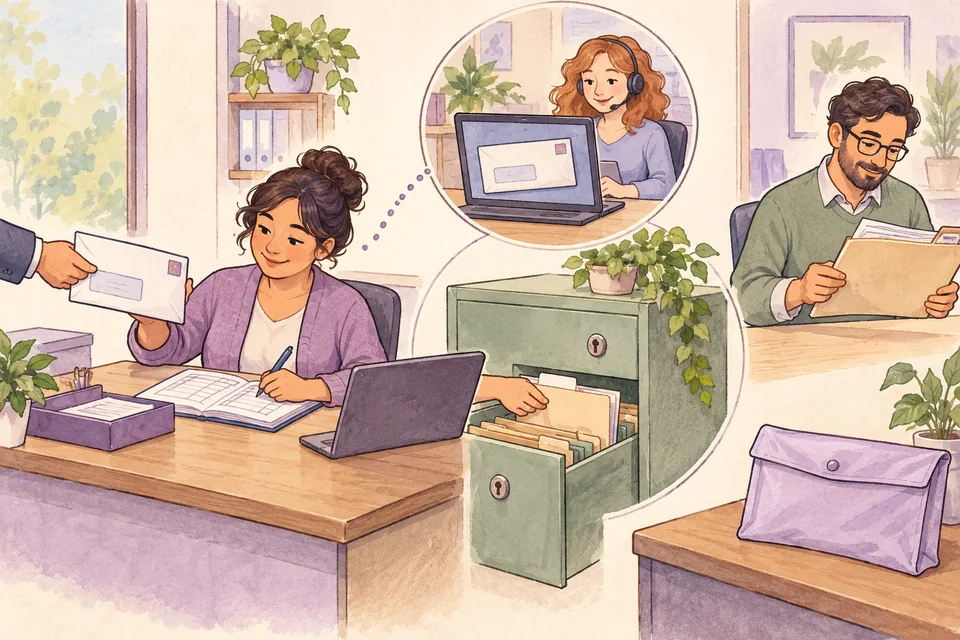
The space can shrink; care for information cannot
A small room holding important files may need more control than a large room holding only desks. I would ask who has keys, who can enter, whether suitable cabinets exist, and what happens if documents are damaged or the room cannot be used. Choose controls according to the importance of what is stored.
Shared space brings further privacy questions. Someone nearby may hear a customer call or see sensitive information on a screen. A shared printer may leave papers for someone else to pick up. Sending a file to a print shop also requires deciding whether that information may be shared outside.
I would keep only necessary documents and copies, separate permission to receive an envelope from permission to read its contents, and limit tracking records to what is needed to organize the work. Knowing where a file is does not require making its entire contents visible to the team.
Bring the team together when the purpose justifies the trip
A monthly meeting may suit some teams. I would start with what should happen that day: resolving an issue that remains unclear online, planning shared work, or helping new people meet those they will work with. If the meeting only involves reading reports one at a time, send them ahead and use the time together for matters that need discussion.
The venue could be a room hired for the day rather than a permanent office. Consider travel, cost, accessibility for people with different needs, and privacy for the discussion. If some people join remotely, set up sound, video, and decision-making so they can participate.
If in-person days are a work requirement, be clear about frequency, scheduling, travel costs, and what happens when someone cannot attend. Do not let meetings become unequal, unagreed expenses for employees. Afterward, record decisions and next steps so people outside the room can find them.
Compare total cost, then trial the model before a long lease
In comparing options, I would include rent, document receiving and forwarding, file storage, printing and supplies, administrator time, travel for signers, and meeting rooms. Add deposits, moving costs, and termination terms. A cost removed from the office bill may reappear as time spent by the team.
Before signing a long-term agreement, try the intended model through a real work cycle. Did each document reach its case? What went past deadline or got lost? How often was someone called into the office? Was the meeting place suitable? Those results help decide which services to reduce, add, or replace.
I think the office after WFH should be sized for the work that still has to happen there. If the team no longer needs routine attendance, the remaining space can still have a job. We must be able to see both the work it supports and the person carrying that work.
Think of the most recent document that arrived at your company. If no one had an assigned desk tomorrow, could you still say who would receive it, who would act on it, and where the original would be stored?
Questions about the office after WFH
Can we call it WFH 100% if we still have an office?
Having a space does not define everyone's work model. Say who works remotely without routine attendance and who still has regular on-site duties. If meetings require periodic attendance, describe that condition as it really works.
Can we discard the original once a document is scanned?
Do not assume so. Check the document type, applicable rules, the counterparty's or recipient's conditions, and a reviewed retention policy. A scan helps hand off work, but an owner and document-specific rules must govern retaining or destroying the original.