
Imagine opening an article on your phone while you're waiting for someone. You have a few minutes, but first you have to scroll past menus and a large image to find the text. By the time you realize it's worth reading, it's time to put your phone away.
I built this site around reading because I want you to be able to read comfortably, see what each piece is about, and find a topic again when you need it. Type size, line spacing, and the table of contents were among the first details I chose to get right.
As for audio, video, and online lessons, I plan to add them gradually when I have material that suits those formats and is ready to use.
Start with what readers want to know
The homepage and an article page have different jobs. The homepage helps you choose a topic; the article page helps you read it. The title and introduction should point to the same subject, so people who click through find the piece they meant to read.
A table of contents is especially helpful in a long article. Suppose you finish an example and want to revisit an earlier reason. Clear section headings let you go straight back to it instead of scrolling around to find it.
Some people read from the beginning. Others come for one answer. I need each section to offer enough context on its own while still forming one connected piece for someone who reads to the end.
Make reading comfortable, then add detail
On an article page, I start with the text. It has to be large enough to read on a phone. Lines should not be so tightly packed that it is hard to find the next one, and the text needs enough contrast with the background.
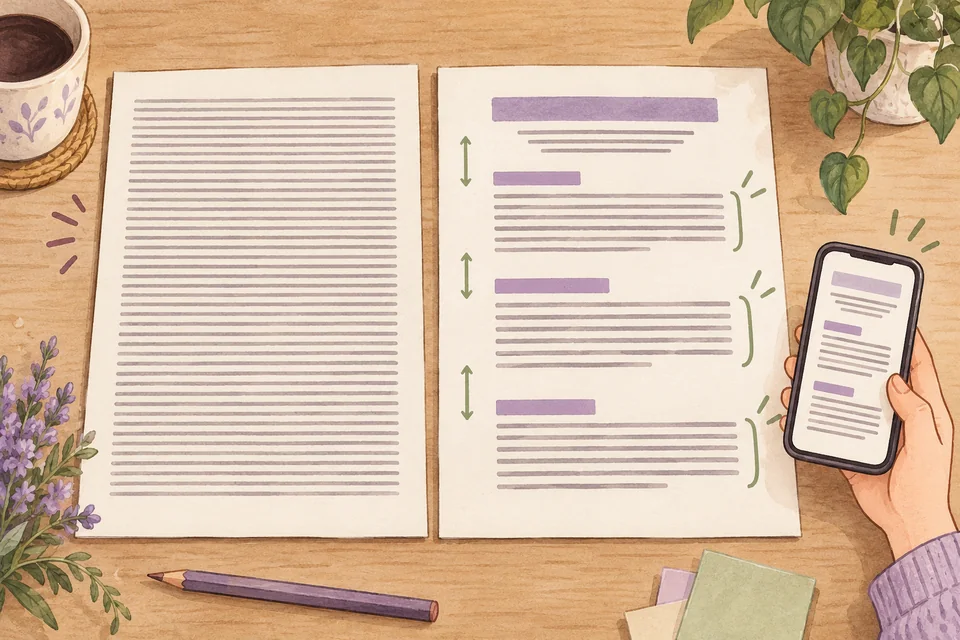
I divide paragraphs by thought. When one point is complete, I leave room to pause before moving to the next. Headings and open space make those changes visible even before you read every word. Each part of the page needs enough room to stand apart.
People prefer different type sizes. Screen size and how far you hold your phone matter too. This site should start with readable text and let you enlarge it through your browser. Testing at different screen sizes remains part of the design work.
Try changing something and see why it matters
On Josh W. Comeau's website you can find interactive articles and guides on subjects such as Flexbox and SVG Paths. I like letting readers change something as they read. Some ideas become easier to understand when you can see the effect of an adjustment for yourself.
The text you're reading is a close example. Try increasing its size while keeping the text area the same width, and notice where the lines break. Then change the width. You'll see how the two settings interact and which reading rhythm feels comfortable to you.
Adjust the reading rhythm
The same words can read differently as type size and line width change. Adjust one setting at a time. Notice how far your eyes travel and how easily you find the start of the next line.
Adjustable controls alone may not be enough. Without a prompt to notice the line breaks, you might see only larger letters. Each example needs to explain what to try and how the result relates to the point you're reading about.
I'll use examples like this where trying something helps explain the subject. Buttons and sliders should work with a keyboard. People who skip the interaction should still be able to follow the explanation.
Give ideas room to grow
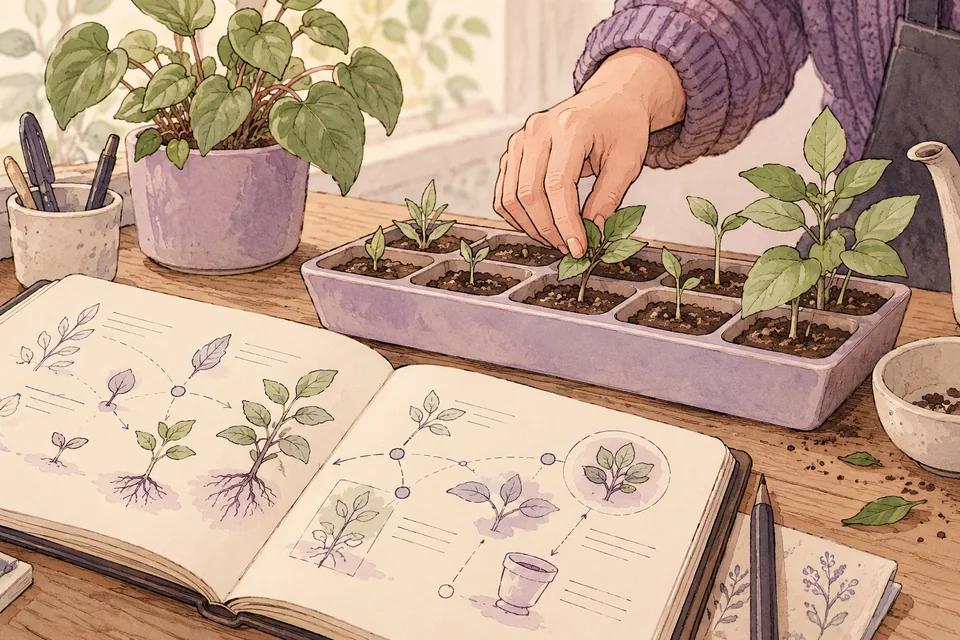
I also take inspiration from Maggie Appleton and the way her site separates essays from notes. She describes a digital garden as a place where notes and ideas can grow over time. I like that this approach makes room for a question that has not yet been settled.
I intend this website to have articles alongside notes that hold questions for further thought. If I am still looking for an answer, I should say so, so you know how certain I am. If a later edit changes a conclusion, I should explain what changed.
I want to show why I asked a question and what led me in a particular direction. When I use facts from elsewhere, I'll include the source. When something is my opinion or I do not yet have an answer, I'll say that too. That way you can weigh the reasoning with me.
Read, listen, watch, and learn as each subject calls for it
Emergence Magazine offers Read, Listen, and Watch as ways into its work. I used that idea to shape this website and plan to add Learn for subjects best taught through a sequence of lessons and exercises.
With an article, you can pause at a sentence or go back to an earlier reason. Audio may suit a conversation where the voices help tell the story. Video may show a process whose changes you need to see. A lesson should give you something to try and explain what you will be able to do when you finish.
I'll choose the format that helps tell each story, taking into account the time needed to prepare it. If an article explains a subject fully, that may be enough. I'll consider video when the steps need to be seen.
I plan to add audio, video, and online lessons to this website when those pieces are ready. Before you start one, I should tell you its subject and length. For a lesson, I should also tell you what you'll learn, so you can decide where to spend your time.
Start small and see what actually helps
I began with this article to explain the design choices. Future changes to the site will start with ordinary questions: Can you find a topic you care about? Once you begin reading, does anything make you stop because the page is hard to use?
Details such as type size and finding a section again should be adjusted in response to what people encounter while using the site. I'll develop useful interactive examples one at a time. That is how I intend the site to grow.
If you could change one thing about a site you're reading, would you start with type size, line length, or finding the section you need? Notice which detail makes you want to keep reading.
Questions about starting with reading
Why did I start with reading?
Reading lets you pause to think, revisit a point, and choose the section you need. I started with text and a table of contents, then added an adjustable example where it helps explain the subject.
Will this website have audio, video, or online lessons?
I plan to add them where they suit the subject, and make them available when the material is ready. Starting with reading still leaves room for other formats to follow.